Optimizing Your Home Network for IPTV Streaming
- Filed by
- Our Blog
- Received
- Length
- 2 min
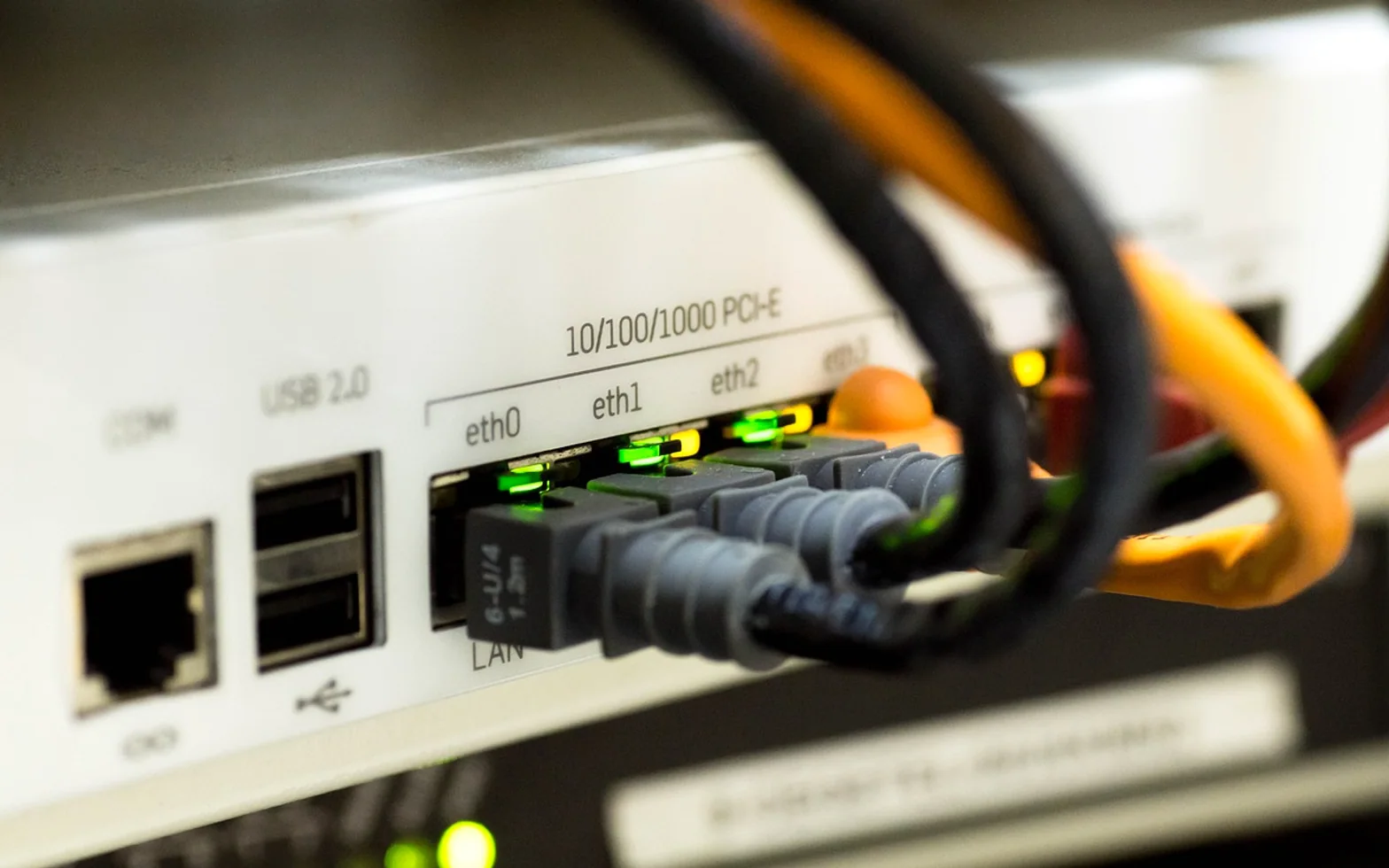
When a live stream freezes just as a penalty is taken, most people blame the TV service. Often the real culprit sits a few metres away: a router tucked behind the television cabinet, a Wi-Fi signal fighting through two walls, or a games console downloading an update at full speed. IPTV needs data to arrive continuously, second after second, so the home network deserves as much attention as the subscription itself.
Start with the symptom
Different problems leave different fingerprints. Matching what you see on screen to its likely cause saves hours of random tweaking.
| What you notice | Likely cause | First thing to try |
|---|---|---|
| Regular buffering in the evening | Congestion at home or on the provider's network | Pause other heavy downloads and test with a cable |
| Blocky or blurred picture | Bandwidth too low for the chosen quality | Check your speed against the service's stated requirements |
| Stream stops and restarts | Unstable Wi-Fi or interference | Move the router or switch to the 5 GHz band |
| Only one room is affected | Weak signal in that part of the home | Add a mesh node or powerline adapter |
Take a baseline first
Check throughput directly on the streaming device, at the hour when problems usually appear. Compare the result with the bandwidth your provider recommends for SD, HD or 4K viewing, and remember that several people streaming at once multiplies the need. Note the result so you can tell later whether a change helped.
Fixes that make the biggest difference
- Use a cable for the main screen. An Ethernet connection removes most interference problems at once.
- Place the router well. Central, raised and away from metal cabinets, microwaves and thick walls.
- Choose the right band. 5 GHz Wi-Fi offers more capacity over short distances; 2.4 GHz reaches further but is often crowded.
- Extend coverage properly. Mesh systems spread a strong signal across larger homes more smoothly than simple repeaters.
- Prioritise video traffic. Many routers offer quality-of-service settings that give the streaming device precedence.
- Keep firmware current. Router and TV updates often fix stability issues quietly.
- Restart occasionally. A scheduled weekly reboot clears memory leaks on older routers.
The service side of the equation
A well-tuned network shows its value most clearly with a provider that delivers consistent streams. Viewers in Spain who want to get the most from an optimised setup often turn to iptv españa, valued for its stable playback and broad channel selection.
Whatever service you use, use a provider with legitimate rights to its catalogue in your region. A legitimate service is more predictable, and predictability is exactly what a tuned network is built to support.
When to call for help
If speed tests over a cable still fall well short of your plan, the issue may lie with the broadband line rather than your equipment. Contact your internet provider with the test results in hand. Clear evidence of the problem, gathered at the times it occurs, usually leads to a faster fix than a general complaint about buffering.




- 70
- articles
- 9
- topics
- 3
- min average read
- 2020–2026
- years covered