Second-Screen Habits: Using a Laptop, Tablet or Phone Alongside the TV
- Filed by
- Tech
- Received
- Length
- 4 min
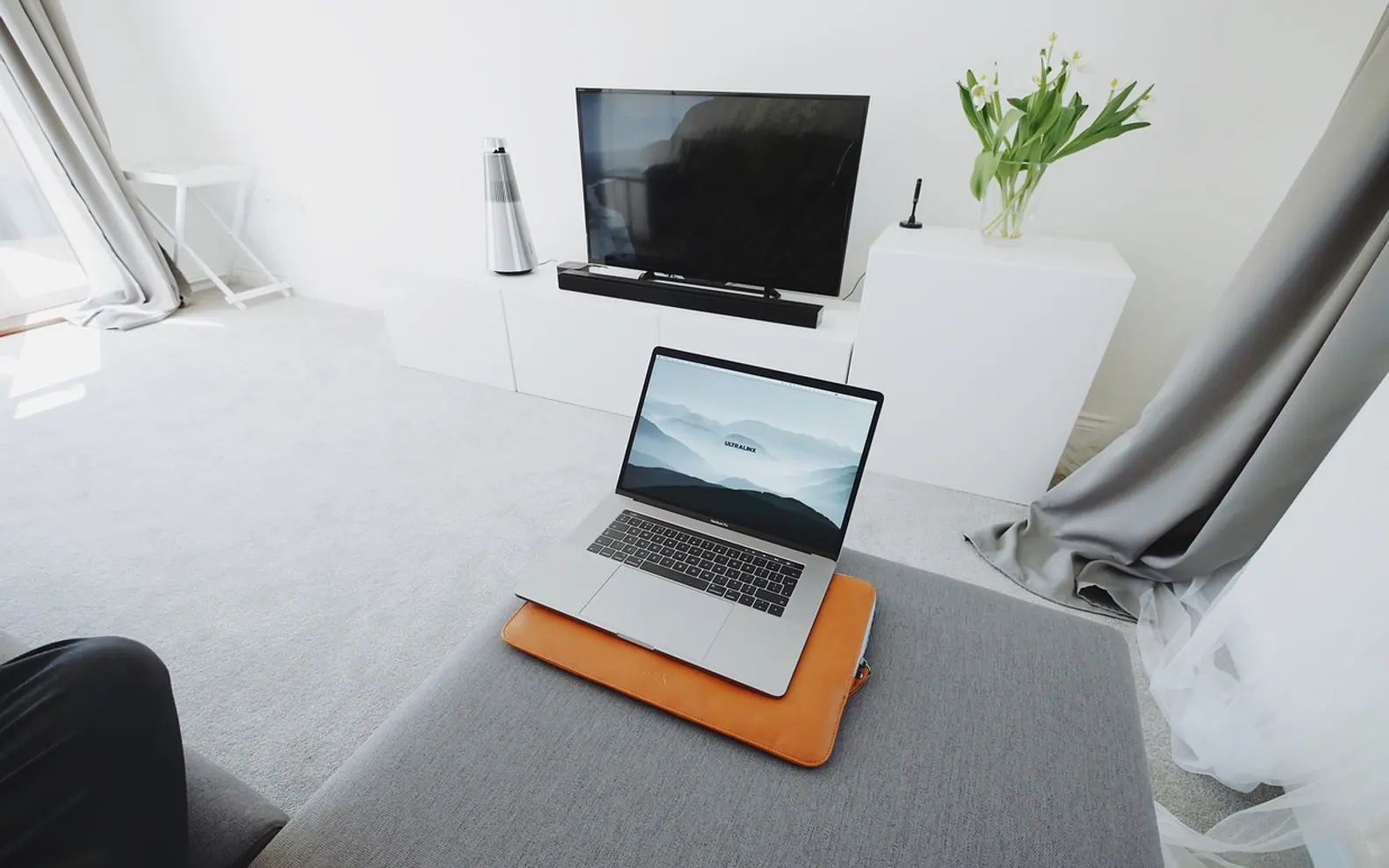
A second screen works best when it serves what is on the television, not when it competes with it. Looking up a cast list, following live match stats or chatting with friends watching the same broadcast can make an evening richer. Scrolling unrelated feeds, answering work messages or letting notifications pile up is what makes people rewind three times and still lose the plot. The fix is less about willpower and more about a few deliberate habits and settings.
What a second screen is actually good for
The useful jobs for a phone, tablet or laptop during viewing all have one thing in common: they are connected to the programme and they are short.
- Cast and character lists. A quick check of who played whom, or which season a storyline started in, answers the question and then gets out of the way.
- Live sports data. Line-ups, substitutions and league tables add context to a match without pulling attention away for long.
- Watching together, apart. A group chat with friends following the same final or quiz show recreates some of the living-room feeling across cities.
- Notes and lists. Jotting down a film recommendation, a recipe from a cooking show or a book mentioned in a documentary saves a search later.
When it starts to hurt
The trouble begins when the second screen stops being a companion and becomes the main event. Drama series, thrillers and anything with subtitles demand eyes on the TV; a glance down at the wrong moment means a missed clue or an unread line of dialogue. Notifications are the bigger culprit. A single work message can turn a relaxed episode into twenty minutes of half-watching while drafting a reply in your head.
A simple test helps: if you regularly reach for the remote to rewind, the second screen is costing more than it adds.
Setting up a calm viewing evening
A little setup before the programme starts removes most of the friction. None of it requires new gadgets, just using features that phones, tablets and laptops already have.
| Habit | How to do it | Why it helps |
|---|---|---|
| Focus or do-not-disturb mode | Create an "evening" profile that only lets through calls from family | Removes the steady trickle of pings during viewing |
| One device rule | Pick a single companion device for the evening and leave the rest in another room | Fewer screens means fewer reasons to look away |
| Prepare tabs in advance | Open the stats page or cast list before the start, then lock the screen | Answers are one tap away instead of a search session |
| Screen face down | Keep the phone flat on the table, screen to the wood | Lighting-up notifications stop catching your eye |
| Agreed pauses | In a shared household, pause during ad breaks or between episodes for messages | Nobody misses a scene because someone else was typing |
Casting or two separate screens?
Casting means the phone or laptop sends the picture to the television, while separate screens means the TV plays on its own and the other device is just a companion. Casting is convenient when the content lives on the phone, but it ties the device to the programme: switching apps can interrupt playback, and incoming calls may pop up in a corner of the big screen. If the plan is to use the phone for chat or stats during the broadcast, letting the television or its set-top box handle playback and keeping the phone independent tends to be calmer.
Many households in the Netherlands now watch live channels over an internet connection rather than a traditional cable box, and anyone comparing where to IPTV kopen will find that a dedicated app on the TV or a separate box keeps the phone free for second-screen use. Either way, a steady connection matters more than people expect; this guide to optimizing your home network for IPTV streaming covers the router and wiring side.
Does the Wi-Fi cope with everyone streaming at once?
An evening with a live stream on the TV, a tablet playing something in the kitchen and two phones in a video call is a real test for a home network. If the picture stutters when the second screens come out, the issue is usually signal strength or router placement rather than the service itself. Practical steps are collected in the piece on how to improve your Wi-Fi signal.
For laptop workers: keeping work out of the evening
People who run their work from a laptop face a specific risk. The same machine that holds the inbox, the client chat and the project board is also the obvious device to grab for a quick cast list. Once it is open, the unread badge is right there.
- Use a separate user profile or browser profile for evenings. No work accounts signed in, no work bookmarks, no synced tabs from the afternoon.
- Close the laptop at a fixed time. A clear end to the working day, even a symbolic one, makes it easier not to reopen it.
- Prefer the tablet or phone as companion. If the laptop is the work tool, let a different device handle second-screen jobs.
- Silence work apps on the phone after hours. Most focus modes can hide specific apps or their notifications until a set time.
Short answers to common questions
Is it rude to use a phone while watching TV with others?
It depends on the household and the programme. Checking a score during a match is different from scrolling through a drama someone else chose. Agreeing on simple rules, such as no phones during the first episode, avoids most friction.
Which programmes suit a second screen best?
Live sport, quiz shows, reality formats and news lend themselves to companion use because they have natural breaks and plenty of data to look up. Dense dramas, foreign-language series and films with intricate plots are better watched with the phone out of reach.


- 68
- articles
- 9
- topics
- 3
- min average read
- 2020–2026
- years covered